The bat with a brain.
AIBats puts a tag on your bat and a swing lab in your phone. Film a few swings with one phone. Nothing goes on the bat. You get your ten checkpoints, the coaching drawings, a side-by-side with a pro model, and an evaluation video narrated by your own character.
Working today
These run now, in your browser.
Swing Lab
Point your phone camera at a swing and read it back: positions, timing and the coaching checks.
Open Swing Lab →Talk to your bat
Scan the tag on the knob and your bat's character answers you.
Open the tag demo →Swing evaluation
Send a video, get back a narrated walk-through of your swing: what is good on every swing and the two things to work on.
Included with a reserved tagWhat a reserved tag gets you
The first run, before the full app launches.
Your tag and character
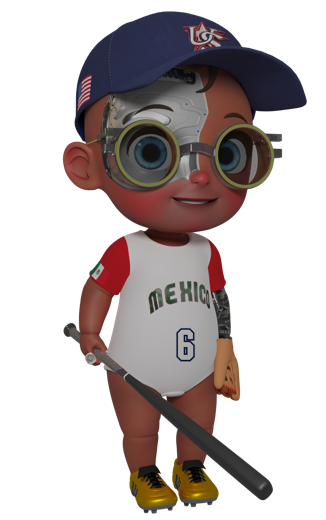
A tag for your bat's knob, tied to one Robot Kid character that is yours.
Early Swing Lab
The app before launch, as a tester. Record in slow motion and it adds bat speed, with no sensor on the bat.
Your swing evaluation
A full evaluation video of your own swings, narrated by your character.
How the evaluation works
One phone, a side view, three to five swings.
Side view, whole body
Phone on a tripod on your open side. Slow motion gives the most: it is what bat speed needs.
Upload the video
We split it into single swings and read each one.
Your character walks you through it
Ten checkpoints with the drawings on your own frames, next to a pro model, and a short list to practice.
Reserve a tag
No payment now. We will write when the first run opens.